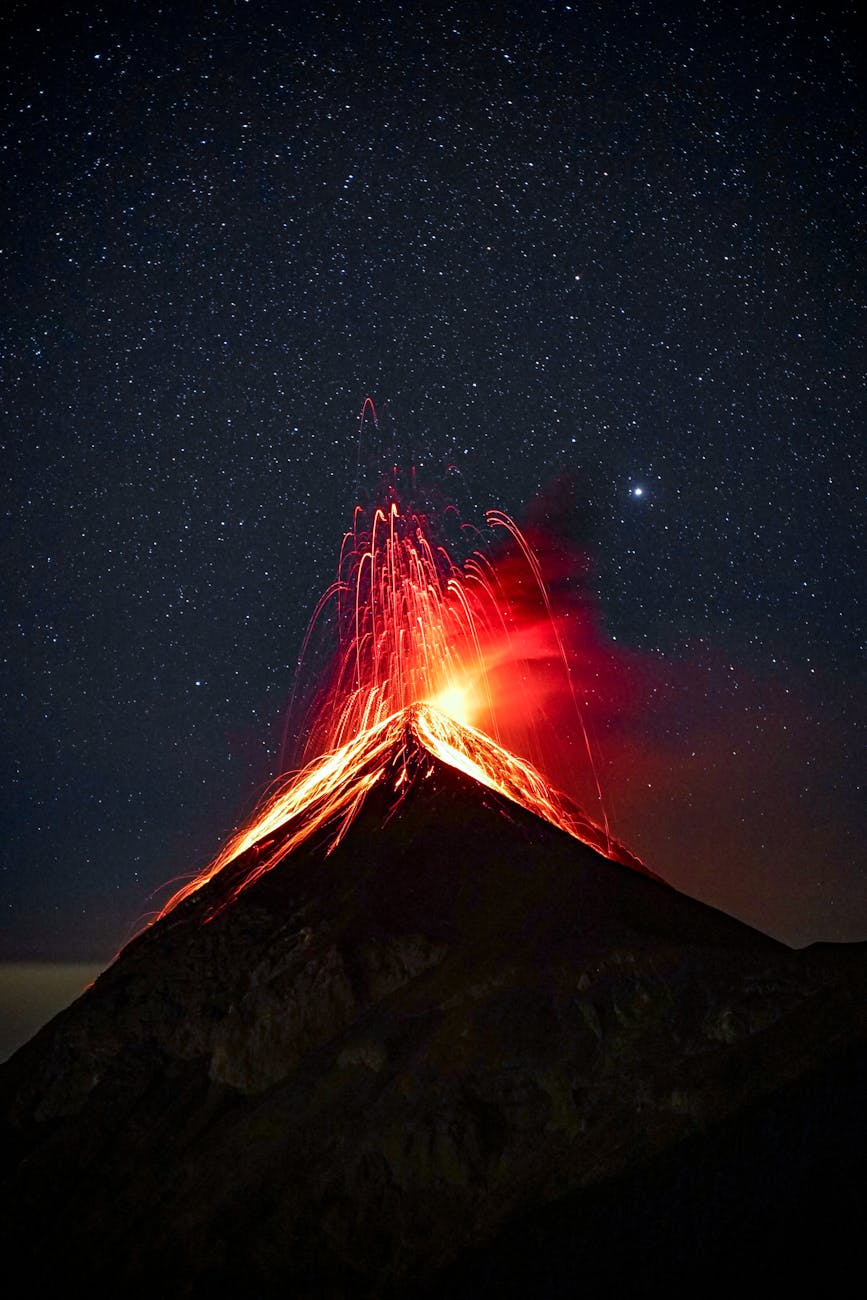
Objectives: students will research a volcano of their choice and create an animated Google slide advertising facts about it and it’s location.
Lesson Materials:
- Volcano Research Notes – covers the basics of volcanoes and the ring of fire for students to research, Google doc, make a copy, no answer key
- Old Volcano Notes – a review or introduction to the basics of volcanoes (pdf)
- OLD Volcano ppt – this is an old power point presentation, I was not able to convert it to individual Google slides, if you print 4 slides per page it is a good reference handout
- Volcano Slide Template – Google slide of requirements and examples, students will add their presentation to this class set, assign each student a slide #
- Volcano Diagram – label and color diagram
- Volcano worksheets to color – some are labeled some are blank, scroll down the page
- Coloring pages – more volcanoes, some are for fun and some are labeled
- LavaPix – 📽 fantastic videos of volcanic eruptions and more, “Big Island of Hawaii professional photographer. Kilauea volcano expert since 1991”
Research Links:
- Volcano World – a list of Volcanoes and other resources from Oregon State University
- USGS – all about volcanoes & Map of US Volcanoes
- Smithsonian – database of volcanoes & current eruptions
- PBS: tons of information and lesson resources
- NOAA – volcano database and photos
- NatGeo – hotspots
- NatGeo -👩🏻💻 Interactive Volcano map maker, click on individual volcanoes for more information
- Wordwall Volcanoes – 👩🏻💻 lots of free resources/games for vocabulary review
| Stromboli | Mt. St Helens | Mt. Fuji | Mt. Merapi |
| Santorini | Mauna Loa | Mt. Ranier | Mt. Etna |
| Mt. Redoubt | Krakatau | Mt. Pelée | Mt. Vesuvius |
| Sakurajima | Mt. Pinatubo | Hualālai | Popocatépetl |
| Volcán de Fuego | Krakatau | Hekla | Kilauea |
| Cotopaxi | Mt. Tambora | Mt. Erebus | Yellowstone |
| Thrihnukagigur | Mt. Kilimanjaro | Volcán Mombacho | Crater Lake |
Required Facts:
- Name of your Volcano
- Elevation of the volcano in feet or meters
- Identify the tectonic plate(s), boundary, or hot spot
- Location with Latitude (ºN/ºS) and Longitude (ºE/ºW)
- Country it is in located in & nearest City or Town
- Climate of your location
Choose 2-3 additional facts:
- Type of Volcano (shield, cinder cone, composite/strato)
- Types of eruptions (violent, explosive, small, weak, etc)
- Current Status (extinct, dormant, active – erupting right now!)
- Description of a major eruption:
- When – How long did it last?
- Effect on environment?
- Loss of lives?
- What can people do when they visit?
- Any other fun facts!
Tech Requirements
- Change the background
- 2+ images of your Volcano
- Animations: 2+ actions on your slide
- use “insert” + “animation” + “after previous” from your menu
- Video clip of Volcano or a sound effect
 Middle School Science Lessons
Comments are welcome!