Lesson 2 – Map Skills
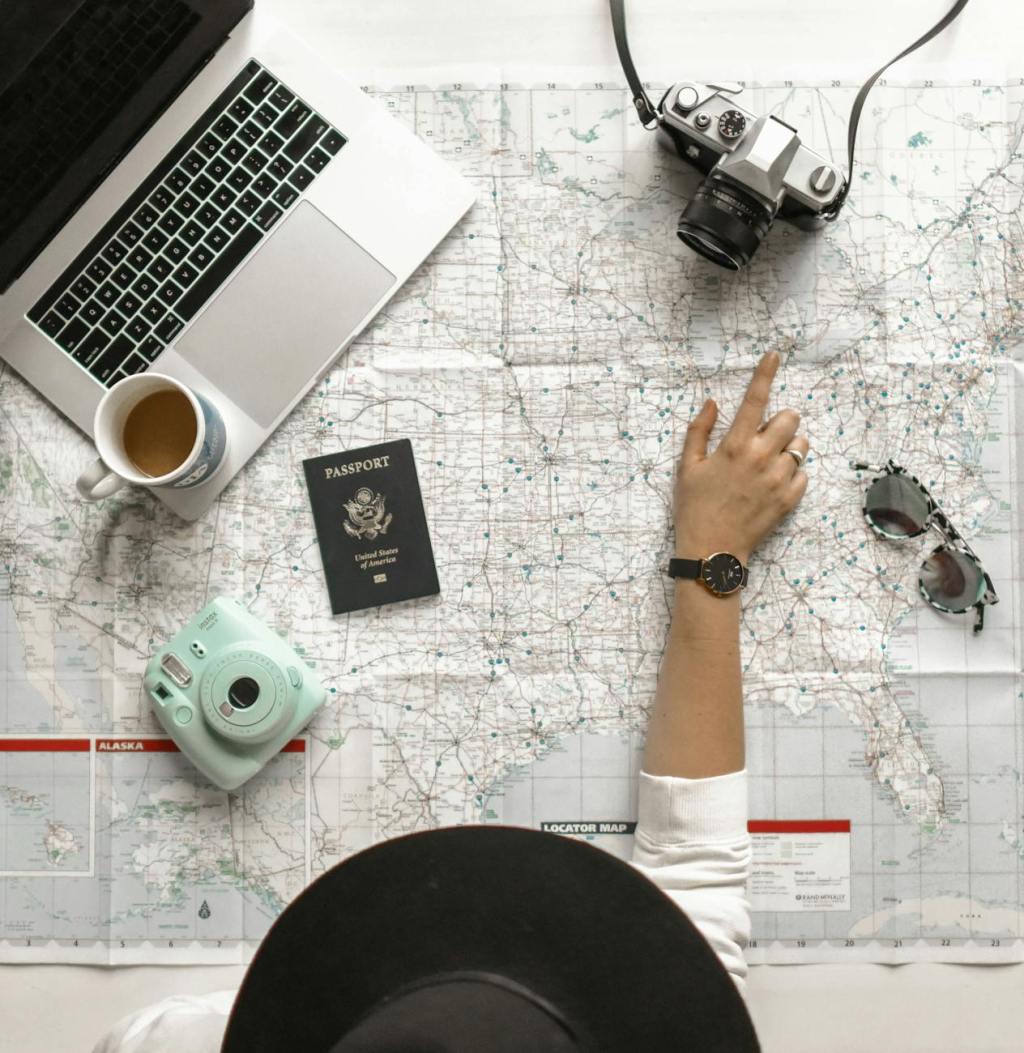
Objective: Once students have selected their cities, they will locate their city on a map and add the following details:
MAP: Finding your city
- Find your city using Google Maps (link).
- Make a star to represent your city on your blank map. These are some examples of maps you can use, to be more specific, students can find a blank map of just their chosen country, for example CROATIA:
- United States, North America
- Mexico & Central America
- South America
- Europe
- Africa
- Asia
- Australia and New Zealand
- India
- China
- NatGeo – large world map with flags (pdf)
- Add the name of your country to the map.
- Write the name of your city next to the star.
- Add your city’s longitude and latitude.
- Identify any large bodies of water near your city.
- Using a colored pencil, highlighter, or marker, lightly color in (any color) your State/Country on the map and bodies of water (blue).
- Identify the surrounding countries/states that border your city.
- Color the countries that share a border with your state/country in a different color.
Other Resources:
* Excellent Interactive Map from NAT GEO: (Link) Example: Wellington, NZL
GOOGLE EARTH (Link)
Maps around the world: https://www.freeworldmaps.net/
Kids Discover Geography: https://online.kidsdiscover.com/discover/geography?ReturnUrl=/discover/geography
Brainpop – Map Skills https://www.brainpop.com/search/?keyword=maps
Nat Geo: https://kids.nationalgeographic.com/geography/countries/
Maps for Students: https://www.superteacherworksheets.com/maps.html
Latitude and Longitude Practice: https://world-geography-games.com/en/world_latitude_longitude.html
Interactive Word Wall: https://wordwall.net/en-us/community/longitudes-and-latitude
 Middle School Science Lessons
Comments are welcome!